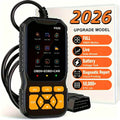
Read Fault Codes
Retrieve stored and pending diagnostic trouble codes to better understand why the Check Engine Light is on.
Vous possédez un compte ?
Connectez-vous pour payer plus vite.


Impossible de charger la disponibilité du service de retrait
-
Ordered
- - -
Order Ready
- - -
Delivered
Enjoy a 30-day money back guarantee. If you’re not satisfied, contact us within 30 days of delivery. View Policy


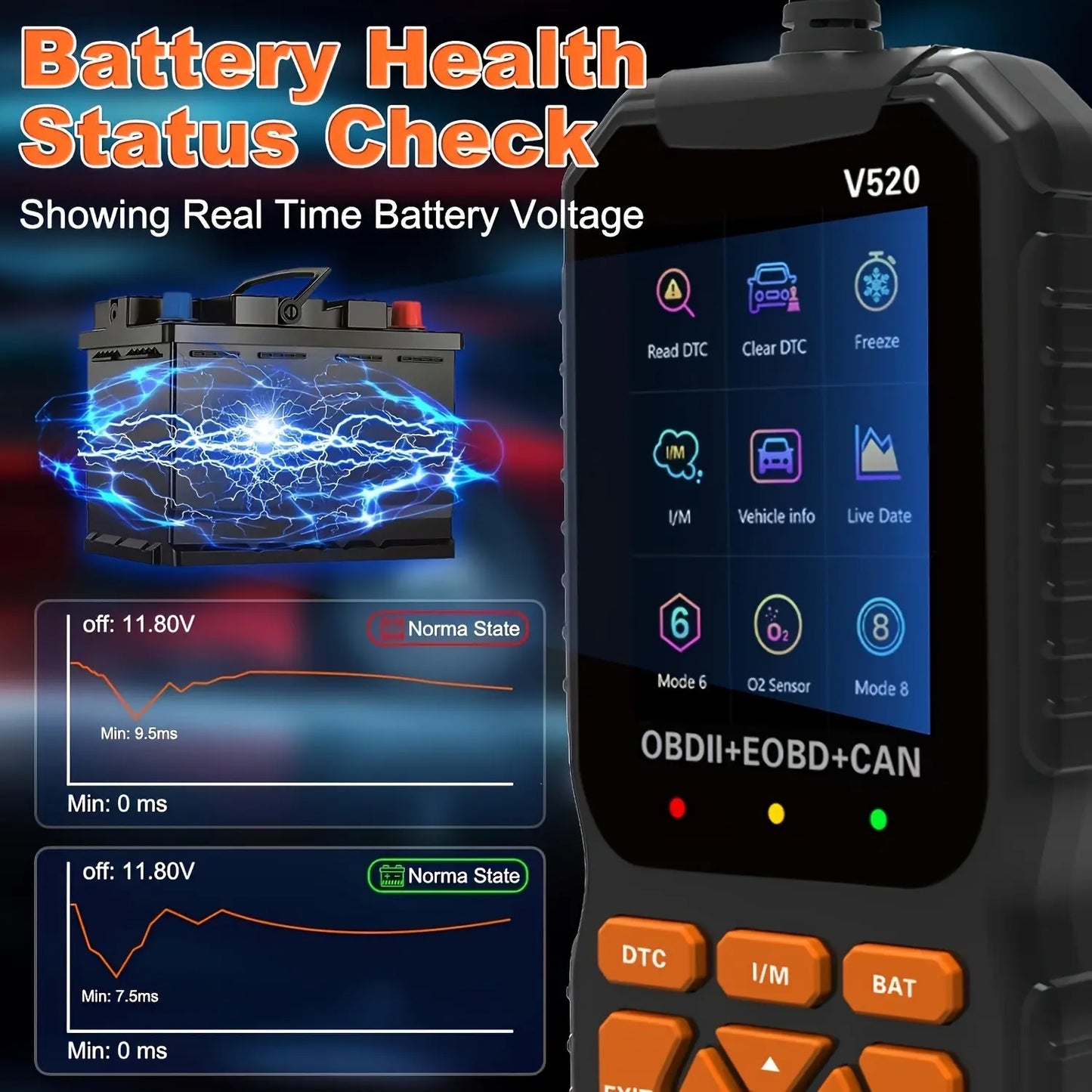
Plug it into a compatible OBD2 vehicle and read supported engine codes, live data, emissions readiness, and battery voltage directly on the screen—before you start replacing parts or booking a repair.

Designed around common engine and emissions-related OBD2 diagnostics.

Instead of seeing a warning light with no context, the scanner helps retrieve supported diagnostic information you can use when investigating the problem yourself or discussing it with a technician.
The compact design makes it convenient for quick checks when a warning light appears, when looking over a used vehicle, or when you simply want a basic OBD2 diagnostic tool available at home.


The source page describes a straightforward process: connect the scanner, switch the ignition on as directed, choose the diagnostic function, then review the information on the screen.
A compact diagnostic tool can be useful in several everyday vehicle situations.

Get more context when a warning light appears before deciding what to do next.

Use basic engine diagnostic information as part of your own troubleshooting process.

Review supported OBD2 information when assessing a vehicle before purchase.
Compatibility can vary by vehicle make, model, year, engine, and region. The source page specifically notes that this tool may not support ABS, airbags/SRS, TPMS, or other manufacturer-specific systems. Check your owner's manual or vehicle label for OBD2 compatibility before ordering.
If the underlying mechanical or electrical issue is not fixed, the warning light may return. Use the diagnostic information as a starting point for proper troubleshooting and repair.
A compact OBD2 scanner can help reduce guesswork when supported engine or emissions warnings appear.
No. It is designed for most OBD2-compliant cars and light trucks, but compatibility varies by make, model, year, engine, and region.
The source page says it may not support ABS, airbags/SRS, TPMS, or other manufacturer-specific systems.
No. Clearing a fault code only removes the stored code where supported. The underlying cause must still be diagnosed and repaired.
The current price, Buy 1 / Buy 2 / Buy 3 offers, Add to Cart, and Buy It Now controls are in the Shopify purchase area above.